GitHub Onboarding
What is GitHub?
Section titled “What is GitHub?”GitHub is a platform used to store code, collaborate on projects, and track changes using Git. It is widely used in industry and open-source development.
You will use GitHub to:
- Store your projects
- Contribute to team repositories
- Showcase your work publicly
It keeps track of all your progress, an authethic report of all your work!
Step-by-Step Setup
Section titled “Step-by-Step Setup”1. Sign up for GitHub
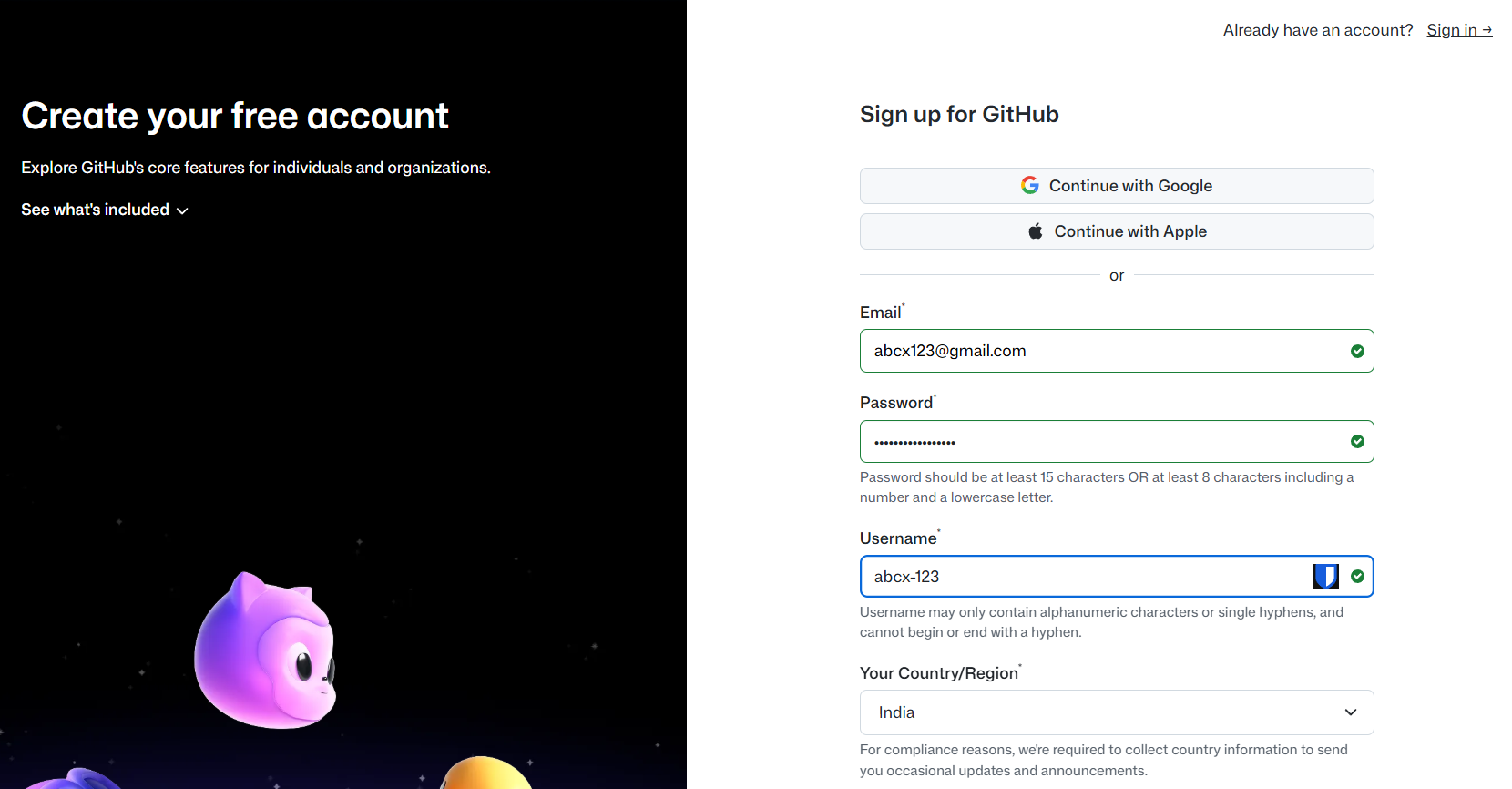
Section titled “1. Sign up for GitHub”- Go to https://github.com
- Create an account using your email
2. Verify your email address
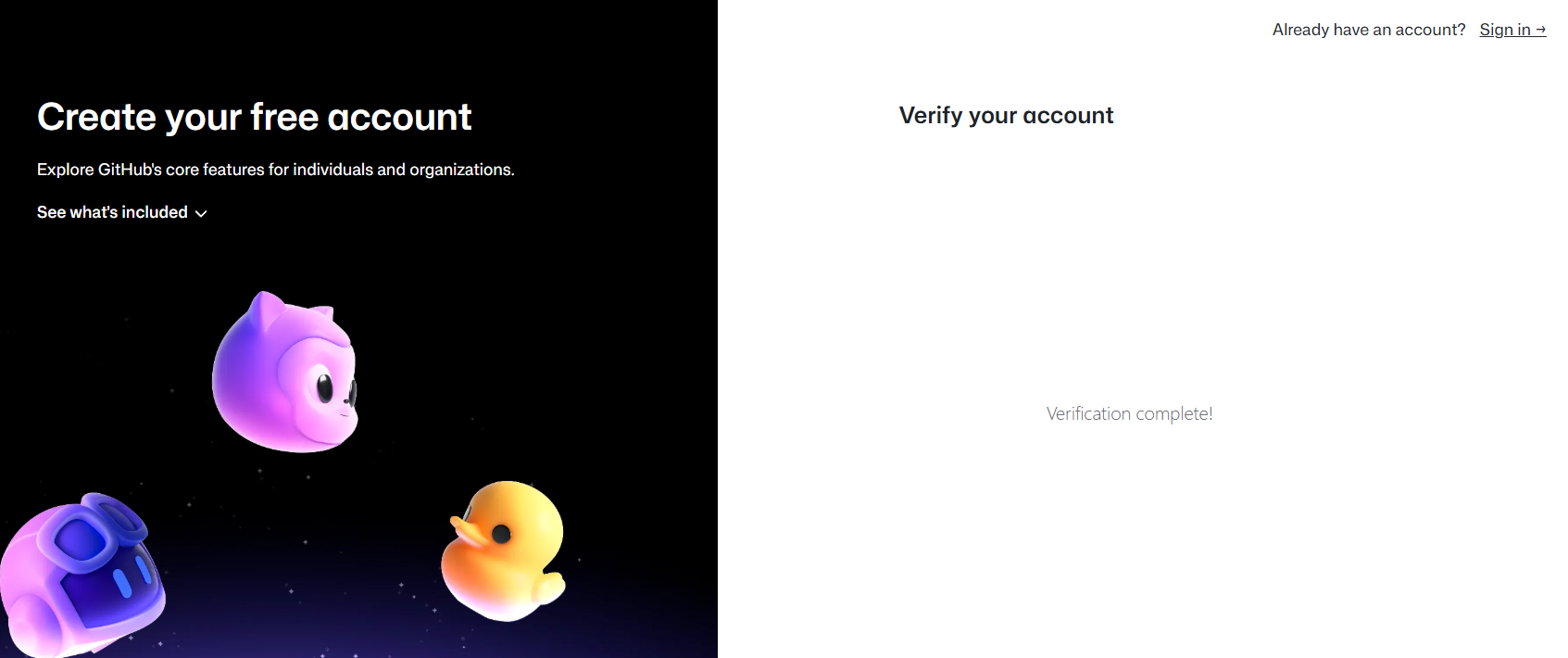
Section titled “2. Verify your email address”- Check your inbox and verify your account
3. Complete your profile
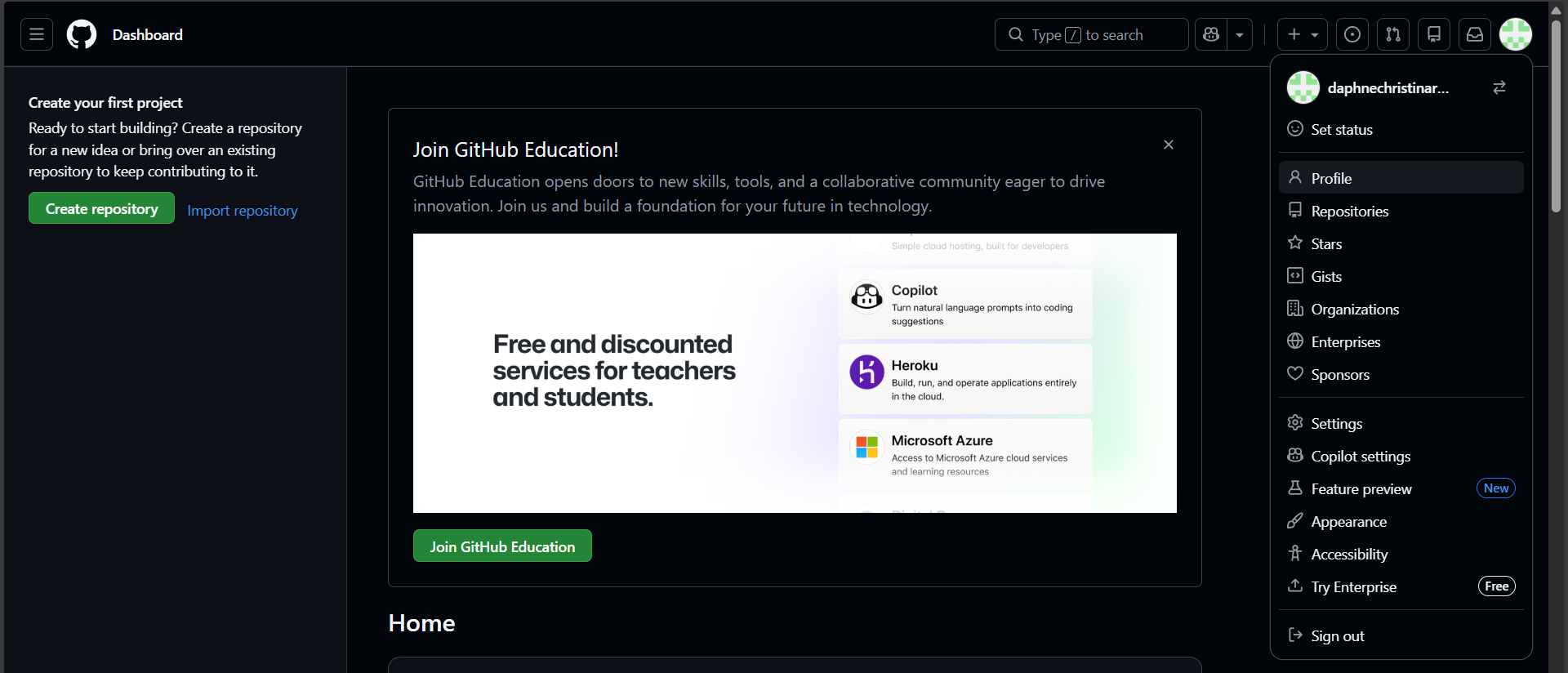
Section titled “3. Complete your profile”- Add a profile picture
- Add a short bio
- Set your username professionally
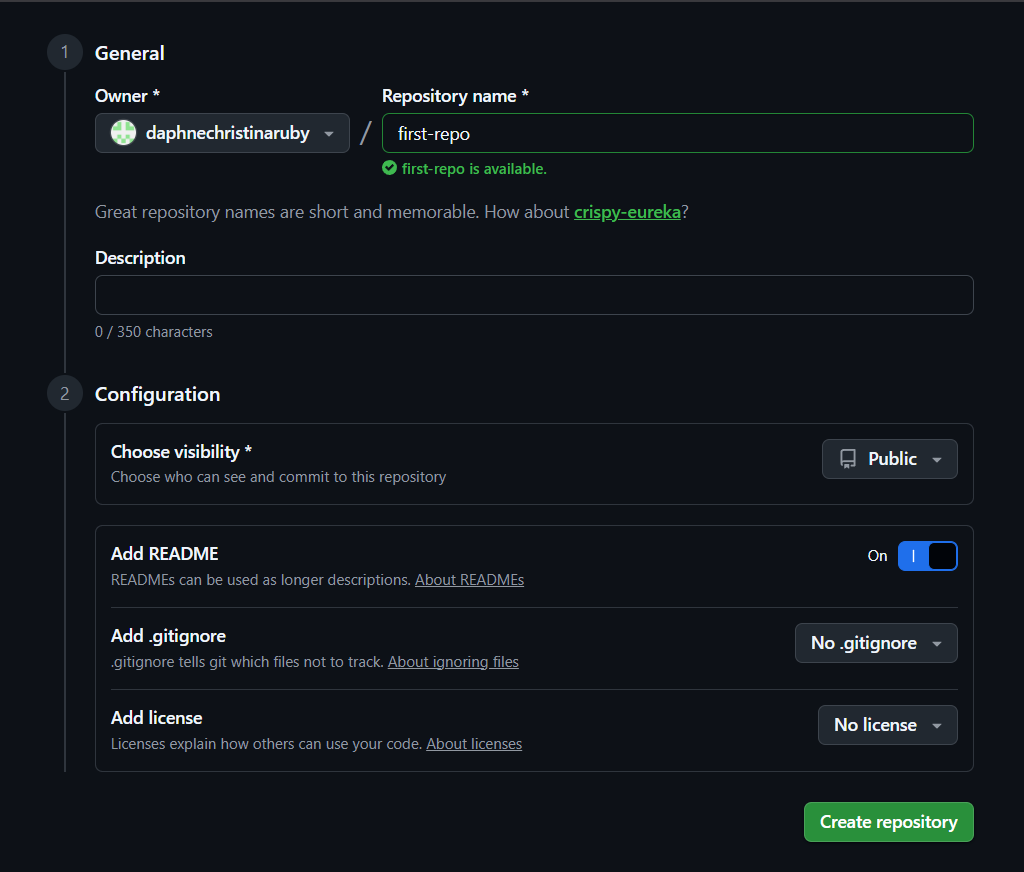
4. Create your first repository
Section titled “4. Create your first repository”- Click New Repository
- Give it a name
- Initialize with a README
- Make it PUBLIC
5. Explore GitHub features
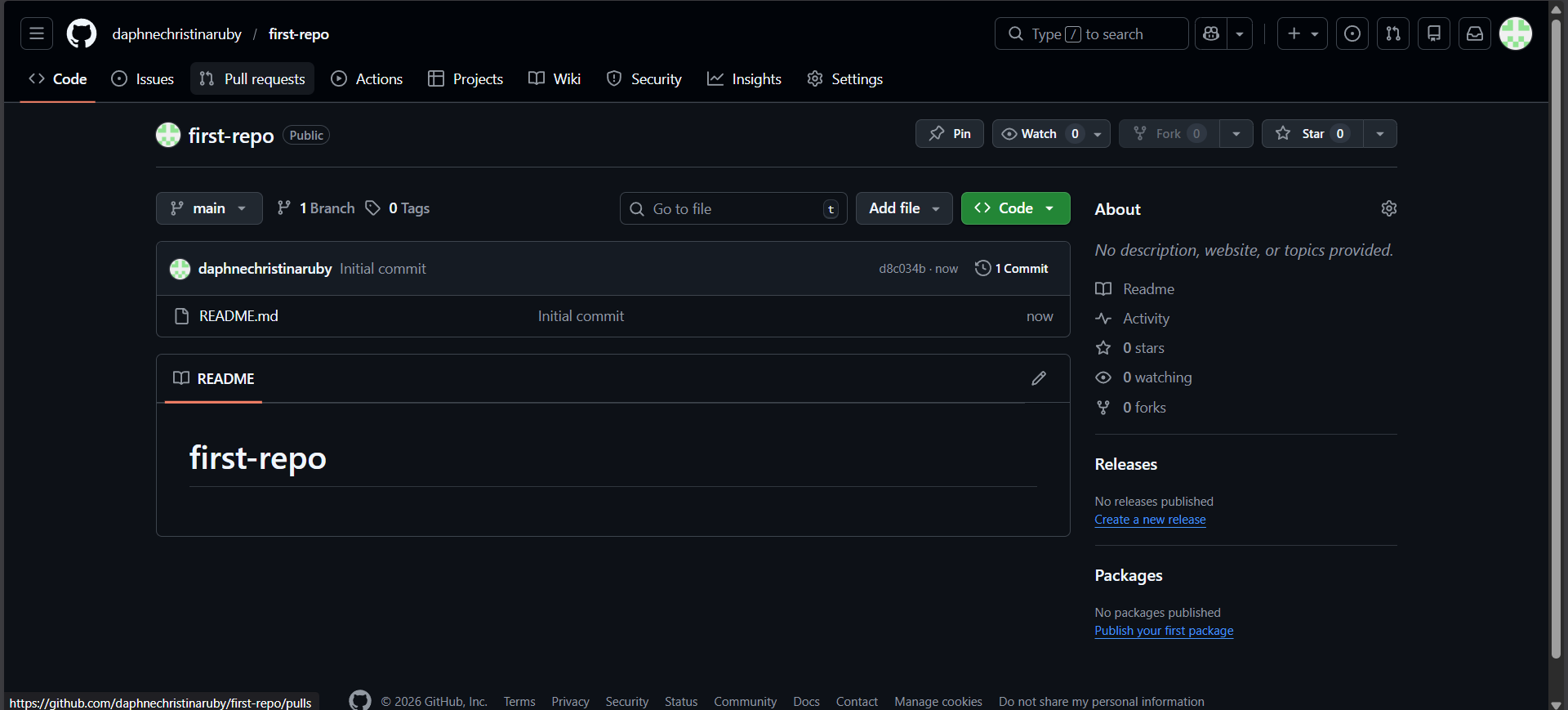
Section titled “5. Explore GitHub features”- Stars
- Forks
- Pull Requests
- Issues
Key GitHub Features
Section titled “Key GitHub Features”Stars are a way to bookmark or show appreciation for a repository.
You can use stars to:
- Save repositories you like
- Discover popular projects
- Show support to open-source maintainers
Think of stars as a “like” or favorite button on GitHub. Make sure to star all of Dijkstra’s repositories!
A fork is your personal copy of someone else’s repository.
Forks are useful when:
- You want to experiment without affecting the original project
- You want to contribute to open source
- You want to learn by modifying existing code
After making changes in a fork, you can open a Pull Request.
Pull Requests (PRs)
Section titled “Pull Requests (PRs)”Pull Requests are how you propose changes to a repository.
A PR:
- Shows what code you changed
- Allows maintainers to review your work
- Enables discussion before merging changes
Once approved, your changes get merged into the main project.
Issues
Section titled “Issues”Issues are used to track bugs, ideas, and tasks.
Issues can be:
- Bug reports
- Feature requests
- Questions or discussions
They help teams organize work and communicate clearly.