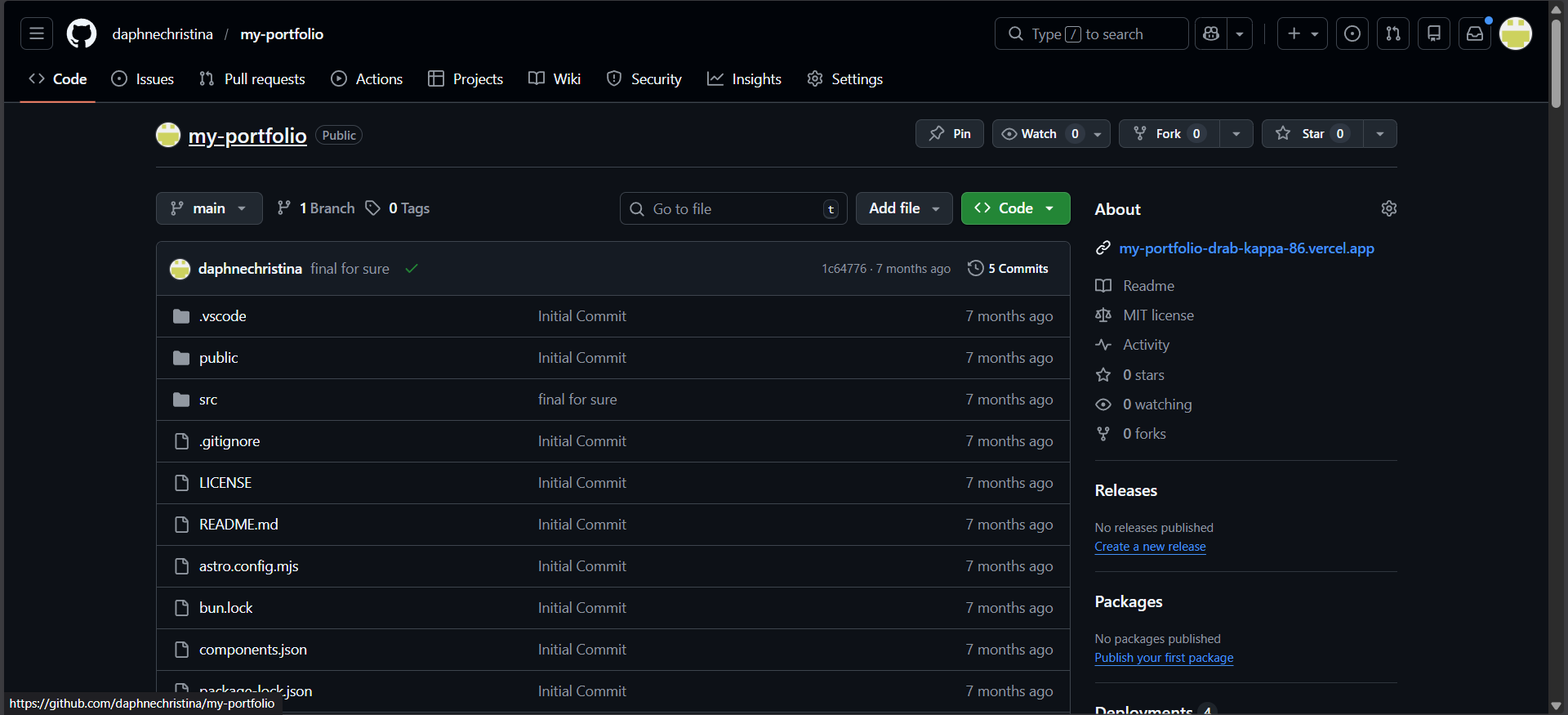
Git Onboarding
What is Git?
Section titled “What is Git?”Git is a version control system. It is used to:
- Track changes in your code
- Save different versions of a project
- Collaborate safely with others
Git works locally on your computer, while GitHub hosts your code online. Now you won’t lose progress!
Step-by-Step Setup
Section titled “Step-by-Step Setup”1. Download and install Git
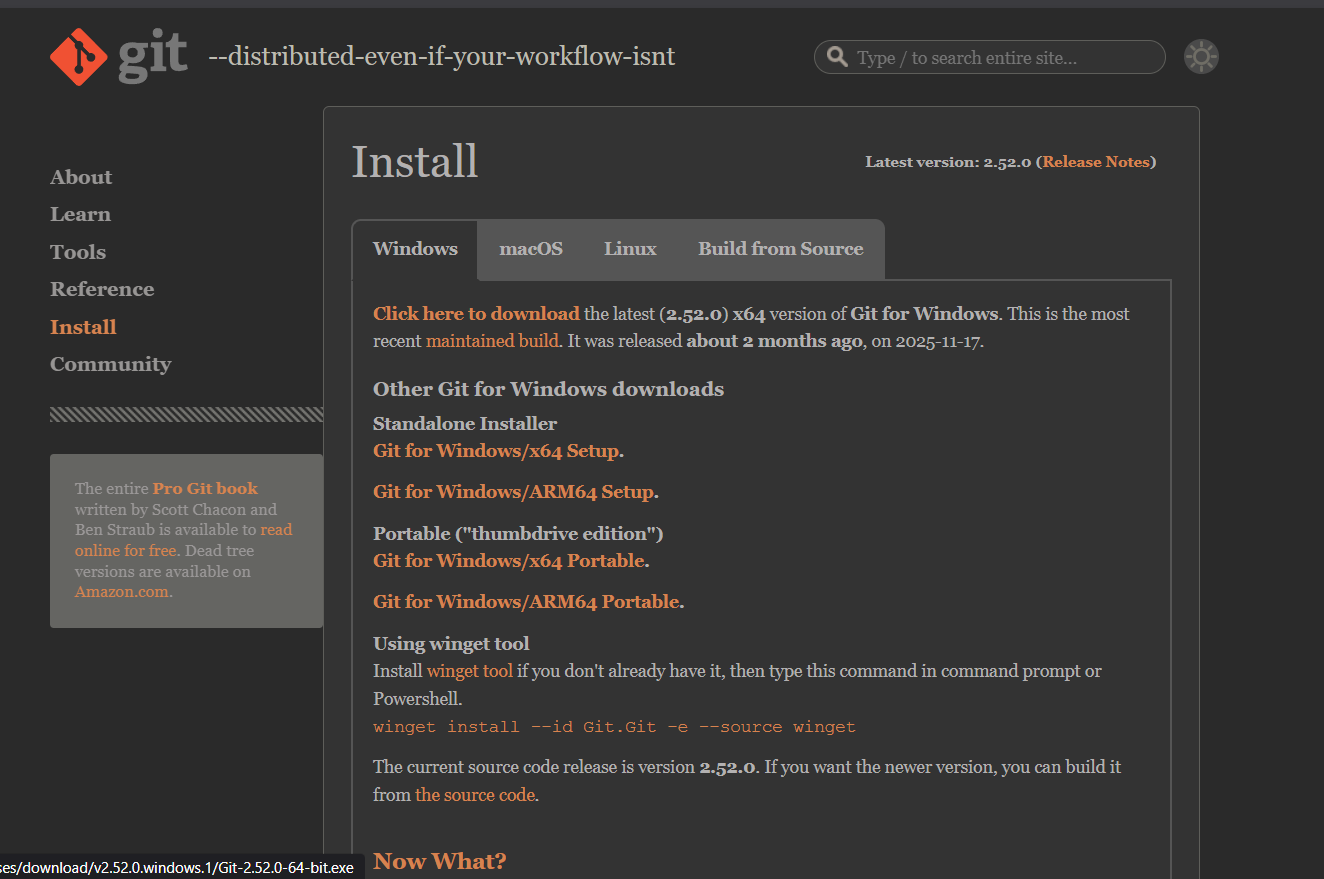
Section titled “1. Download and install Git”- Visit https://git-scm.com
- Download Git for your operating system
- Complete the installation
- Verify by running
git --versionin the terminal
2. Configure your identity
Section titled “2. Configure your identity”- Set your name and email so Git can track your commits
- Run the following commands on Terminal:
git config --global user.name "Your Name"git config --global user.email "your-email@example.com"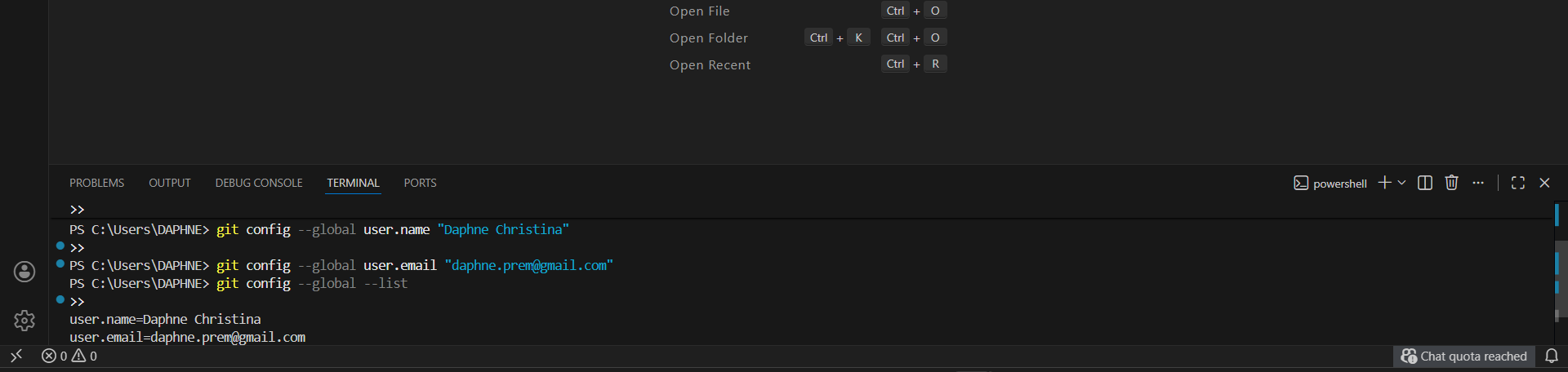
3. Learn basic commands
Section titled “3. Learn basic commands”- git init → enters folder to a repo
- git status → check file changes
- git add . → stage changes
- git commit -m “message” → save a version
- git log → view commit history

5. Make your first commit
Section titled “5. Make your first commit”- Stage all files:
git add .- Commit your changes:
git commit -m "Initial commit"