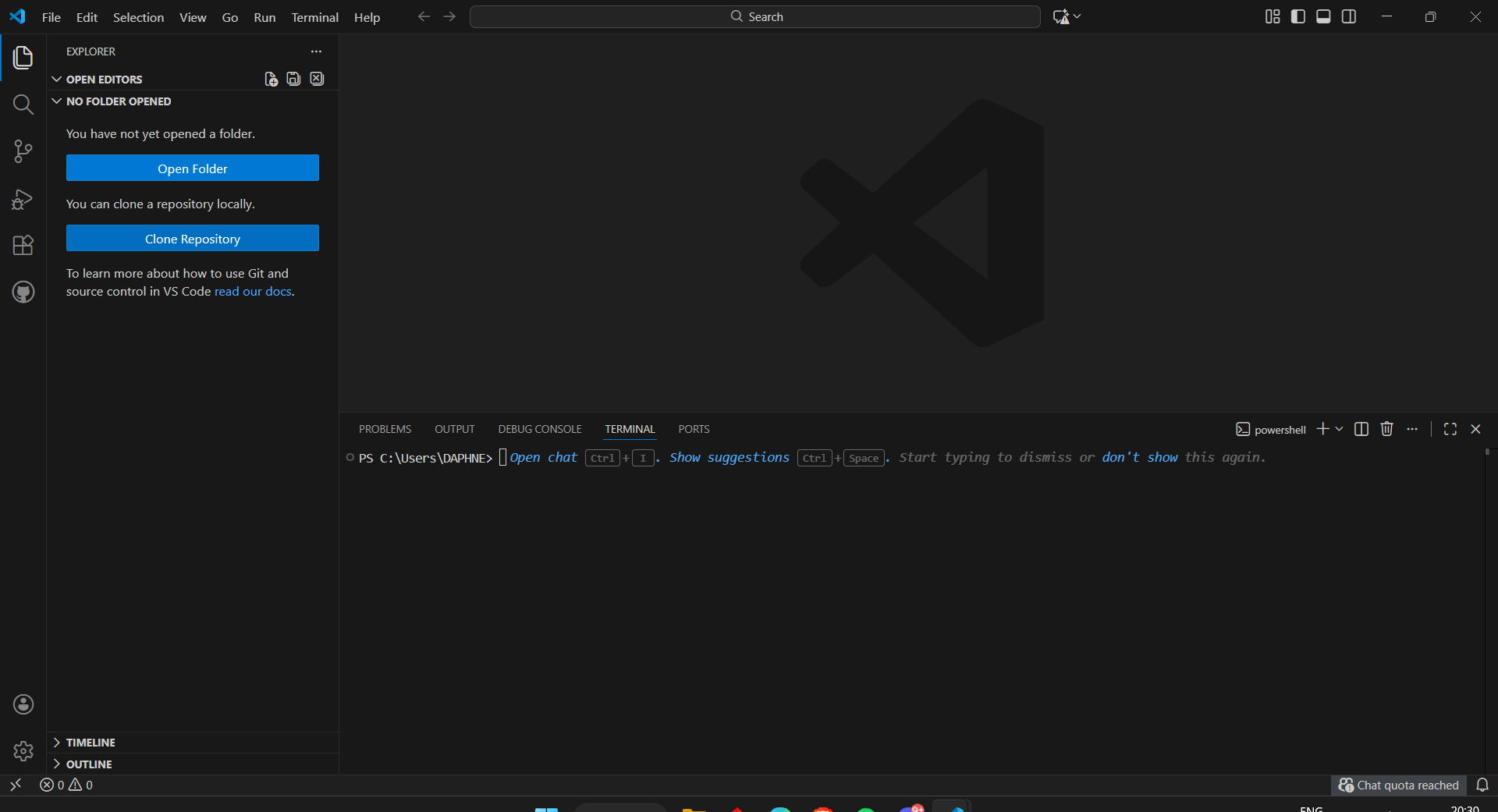
VS Code Onboarding
What is VS Code?
Section titled “What is VS Code?”Visual Studio Code is a lightweight but powerful code editor. It supports:
- Multiple programming languages
- Extensions
- Integrated terminal
Step-by-Step Setup
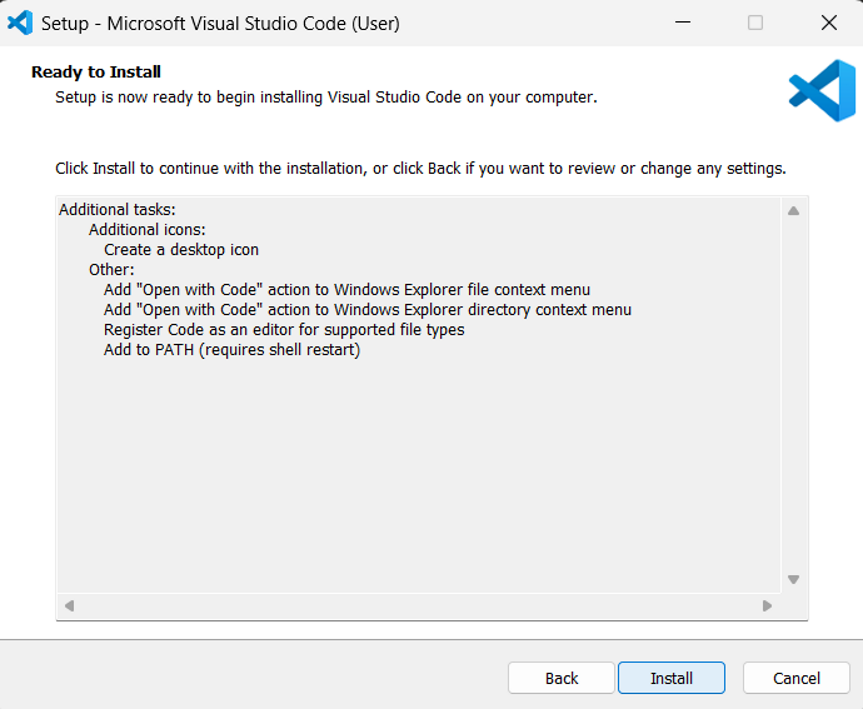
Section titled “Step-by-Step Setup”1. Download and install VS Code
Section titled “1. Download and install VS Code”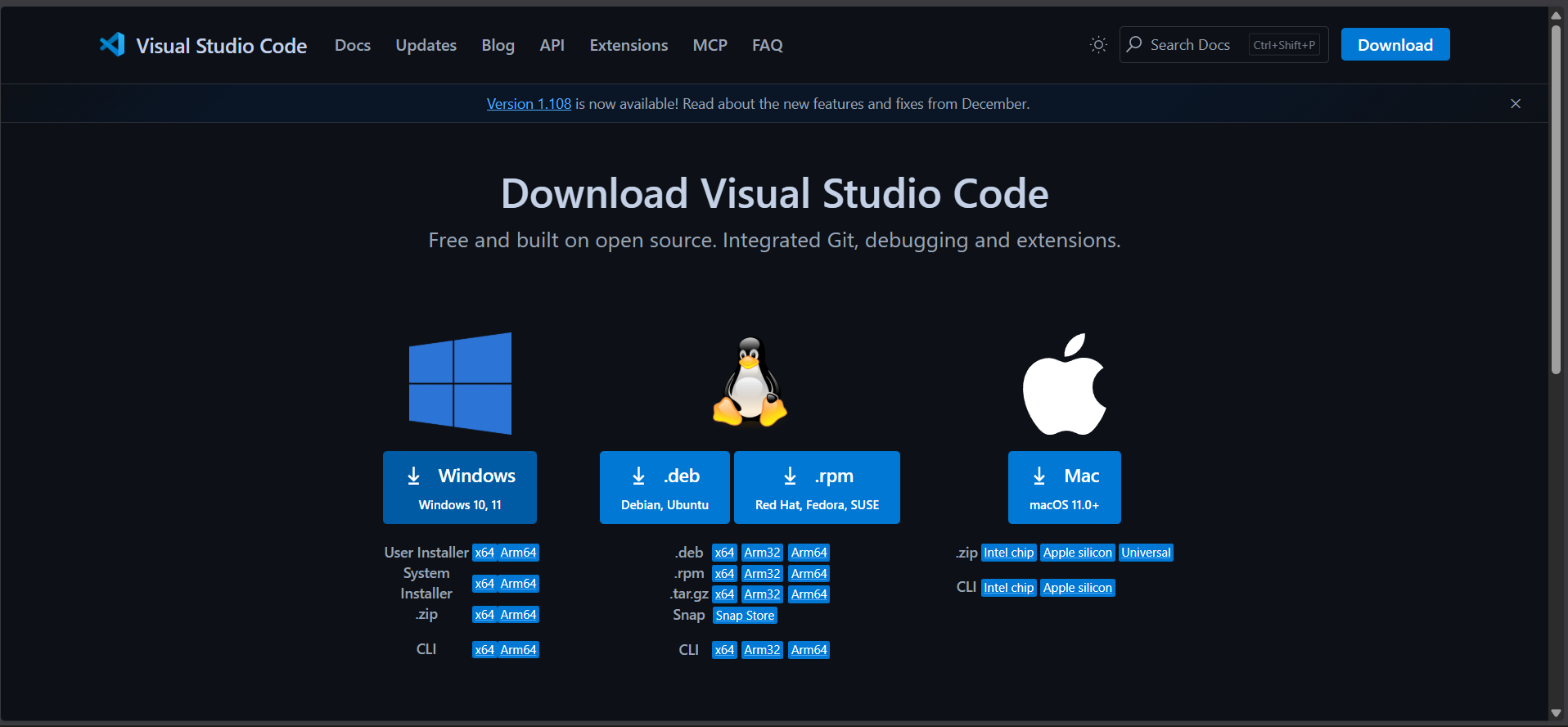
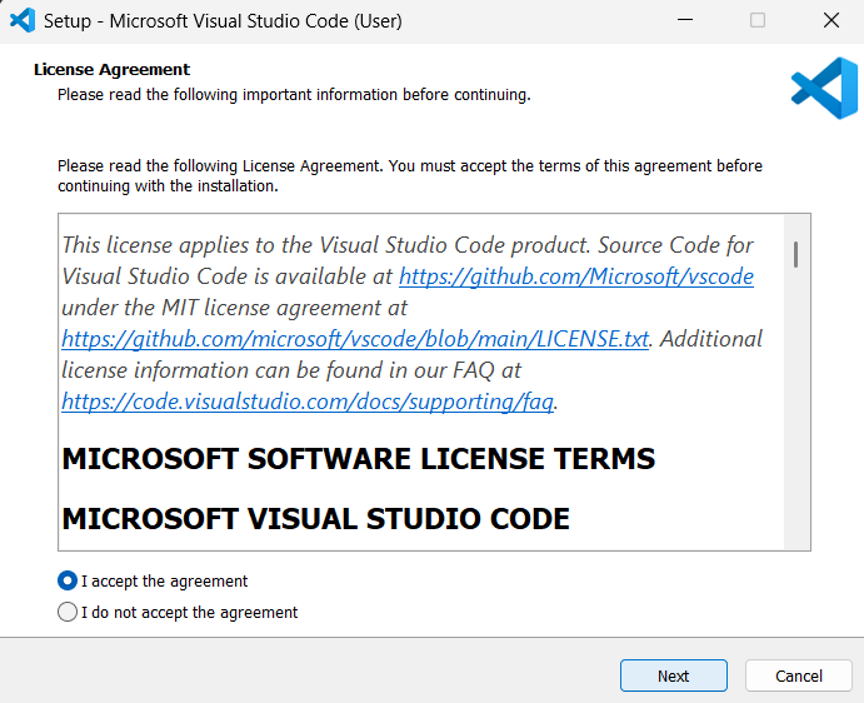
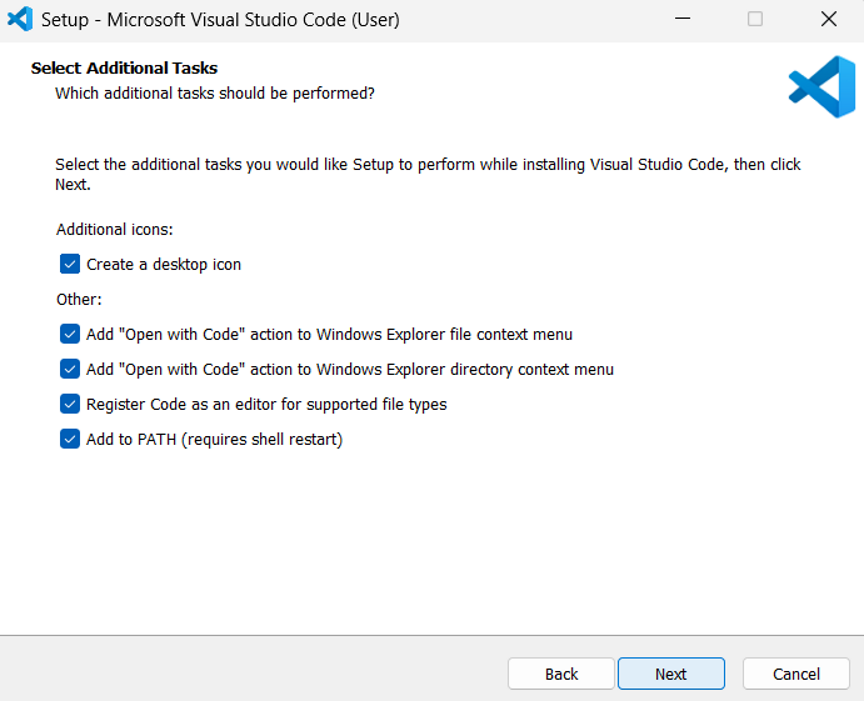
2. Install essential extensions
Section titled “2. Install essential extensions”- Prettier: A professional editor who fixes your document’s fonts and margins.
- ESLint: A proofreader who checks if your arguments make sense and catch typos.
- Copilot: A smart assistant who helps you draft the next paragraph based on your notes. (optional)
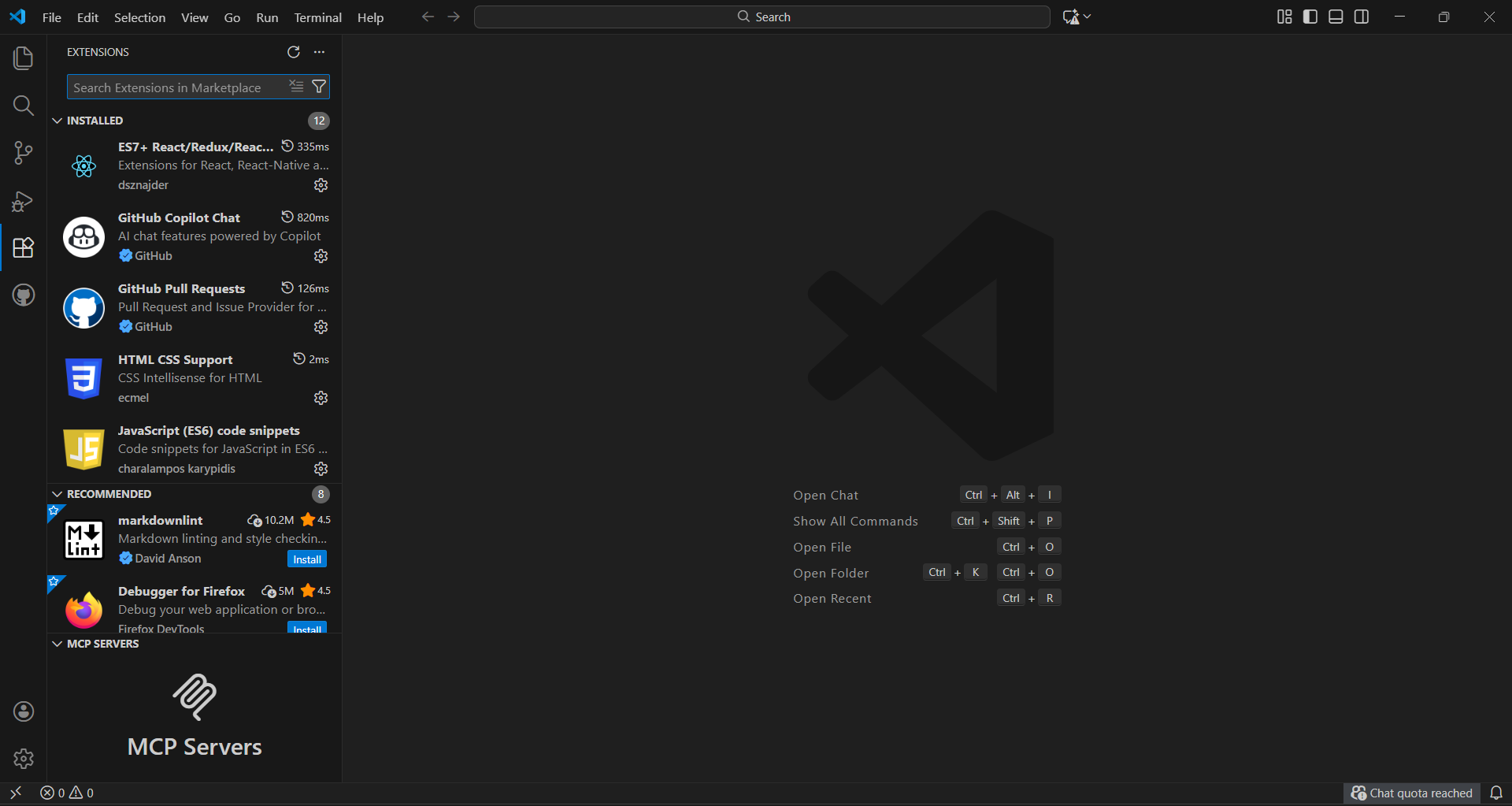
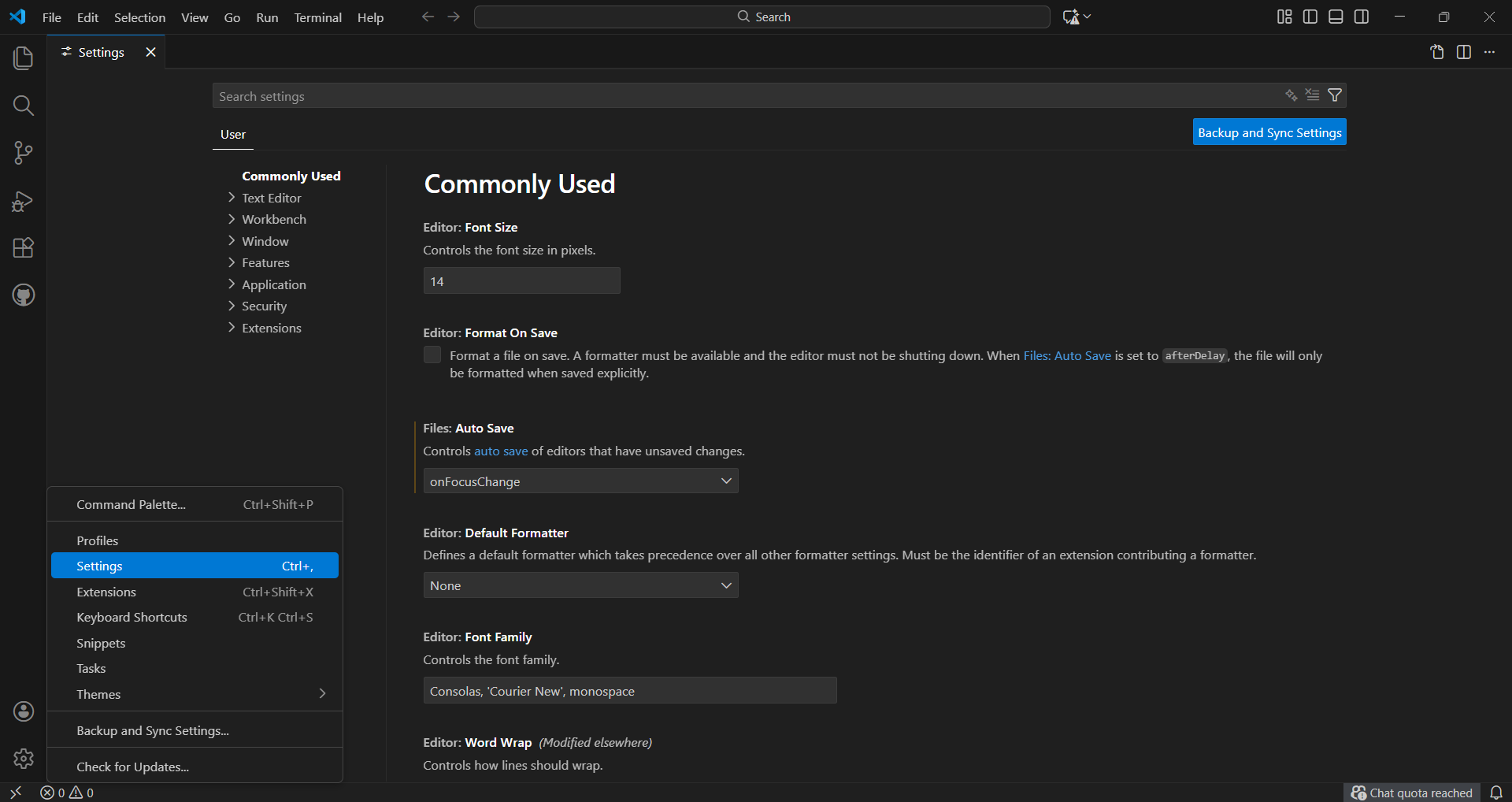
3. Configure basic settings
Section titled “3. Configure basic settings”- Enable autosave
- Set theme and font
4. Learn keyboard shortcuts
Section titled “4. Learn keyboard shortcuts”- Open terminal: `Ctrl + “
- Command palette:
Ctrl + Shift + P
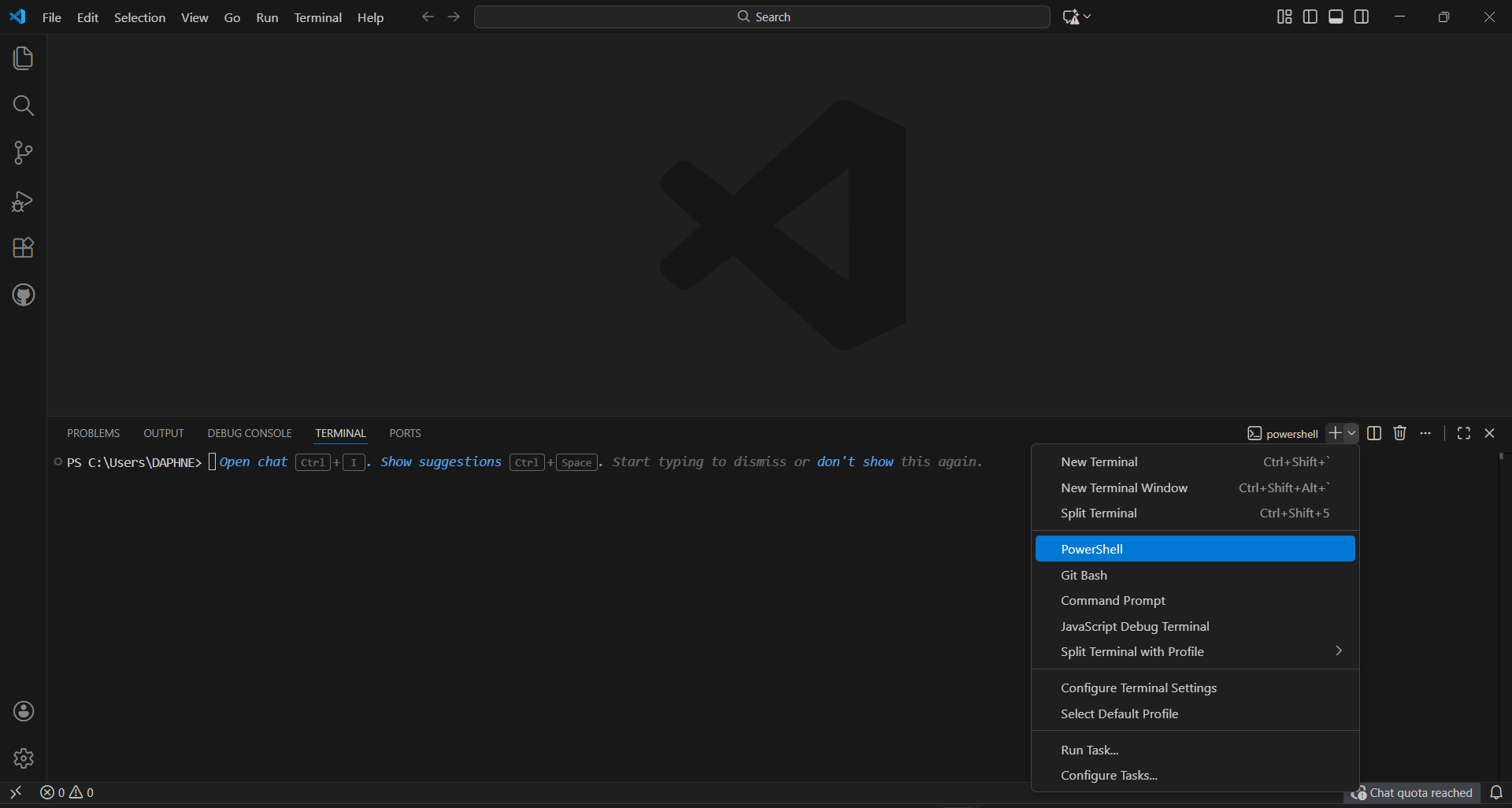
5. Set up integrated terminal
Section titled “5. Set up integrated terminal”- Integrations help communication between frontend and backend.
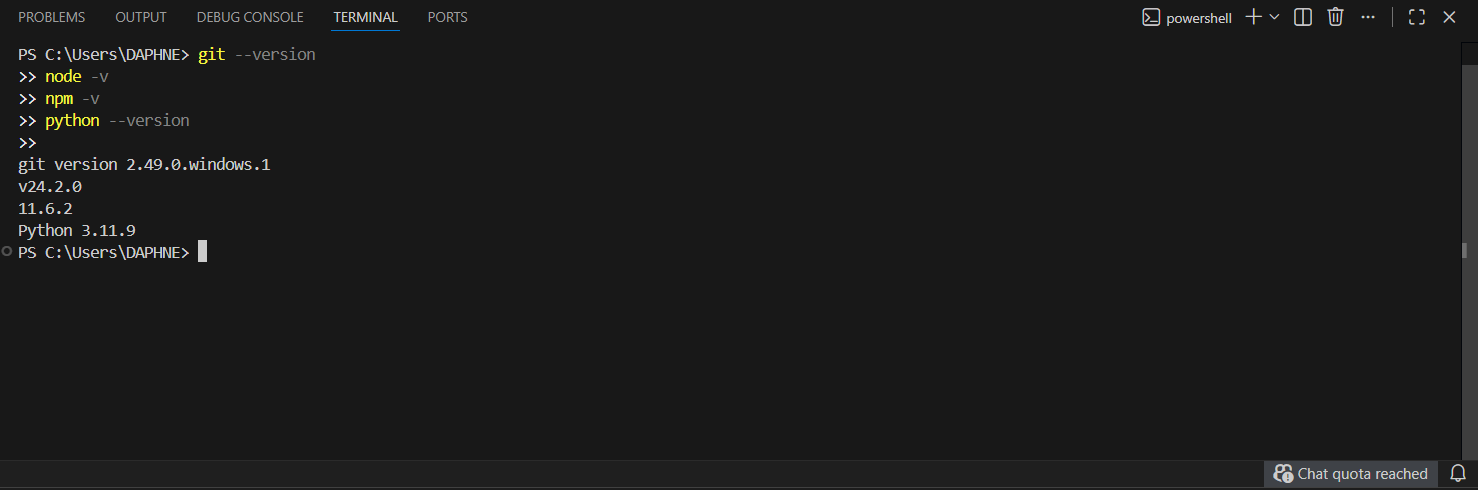
- Use terminal for Git, Node.js, Python commands, pertaining to your need.
- Git: Track code changes and safely undo mistakes.
- Node.js: Run JavaScript directly on your machine for backend tasks.
- Python: Power your projects with automation, data, and AI scripts.
6. Start a project!
Section titled “6. Start a project!”- Create a new folder, and open it as editor here. You can add and edit files to it.
- Or you can also paste a repo link from github into the “Clone Repository” option to edit.