Discord Onboarding
What is Discord?
Section titled “What is Discord?”Discord is a communication platform that allows text, voice, and video interaction. We use it for:
- Announcements
- Discussions
- Study sessions
- Community bonding
Step-by-Step Setup
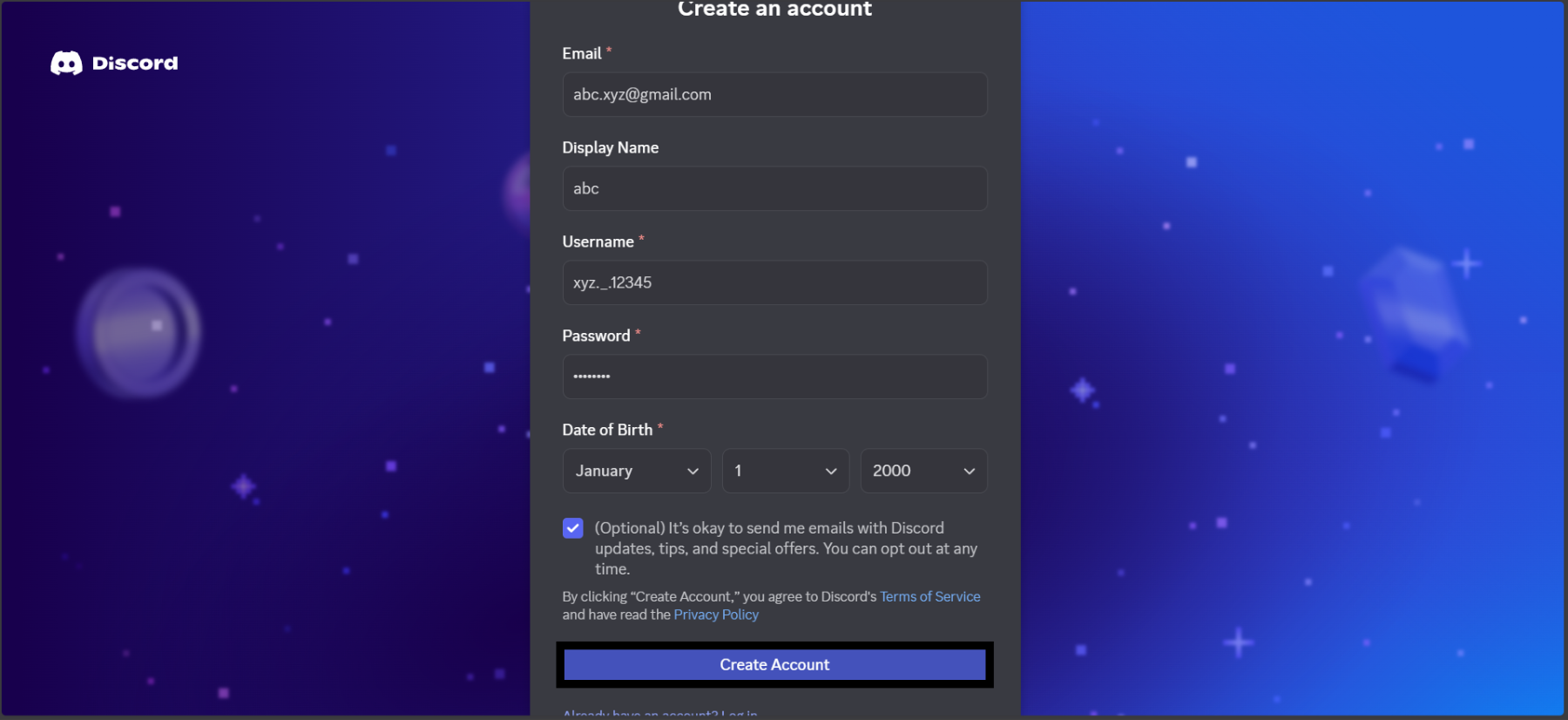
Section titled “Step-by-Step Setup”1. Create a Discord account
Section titled “1. Create a Discord account”- Visit https://discord.com/register
- Sign up using email or Google
2. Join our Discord server
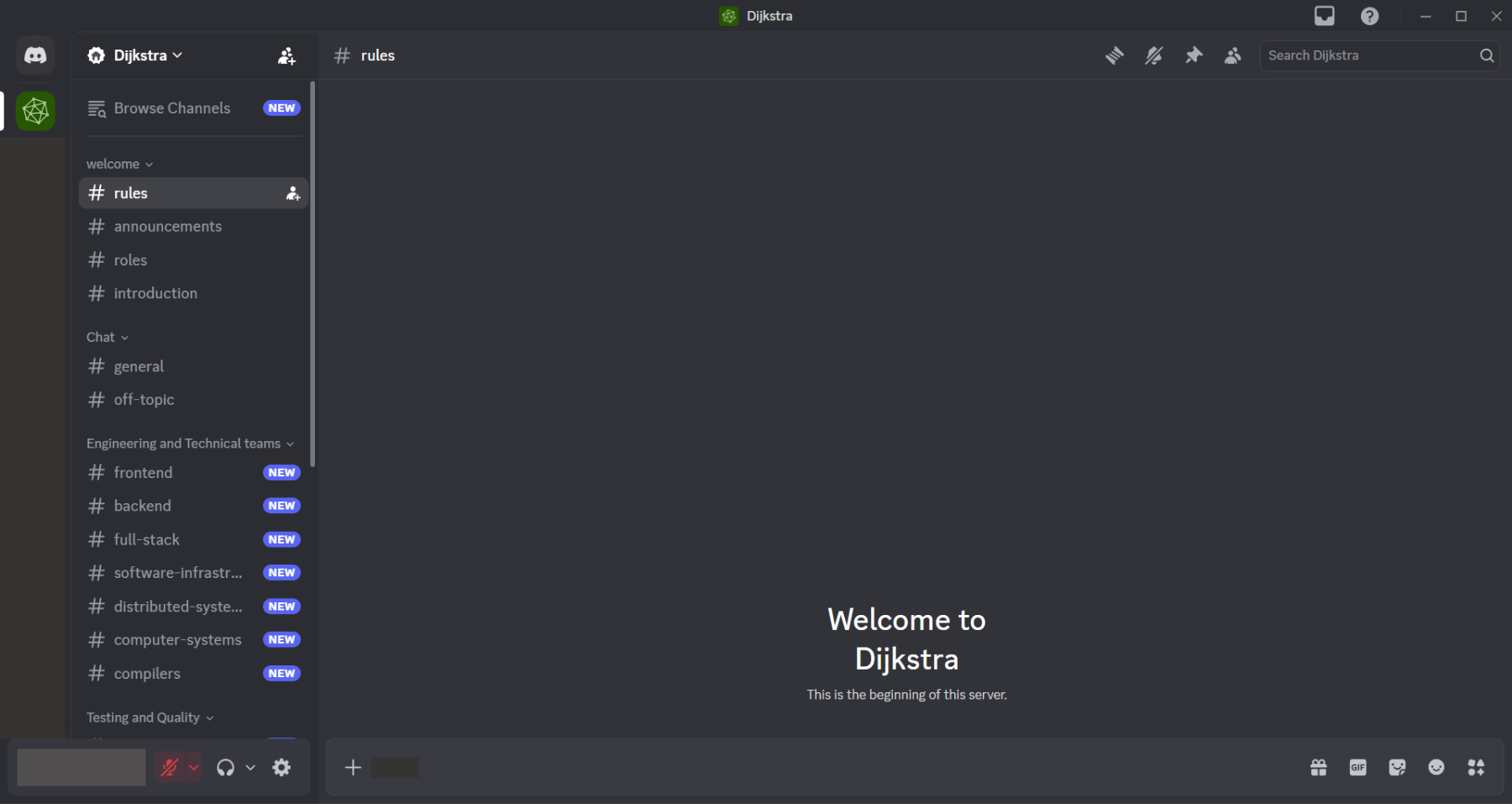
Section titled “2. Join our Discord server”- A server is a community space
- Channels organize conversations by topic
- Use the invite link provided. Dijkstra Discord Server
- Read the rules channel
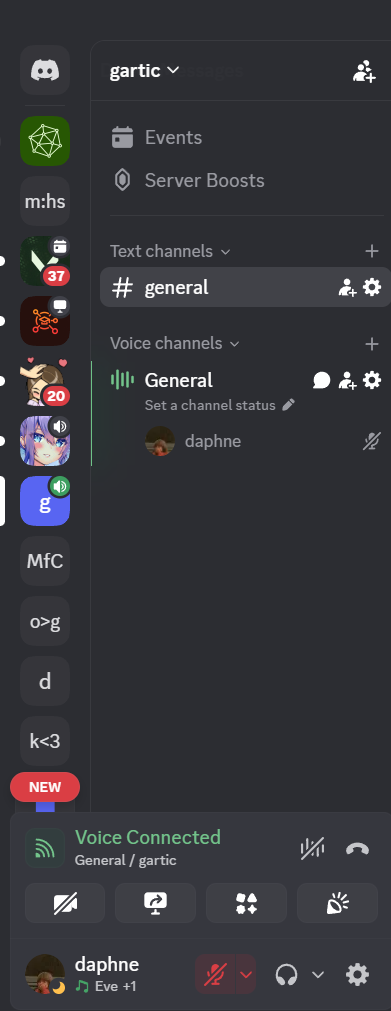
3. Voice channels & muting
Section titled “3. Voice channels & muting”- Join voice channels when required
- Mute mic when not speaking
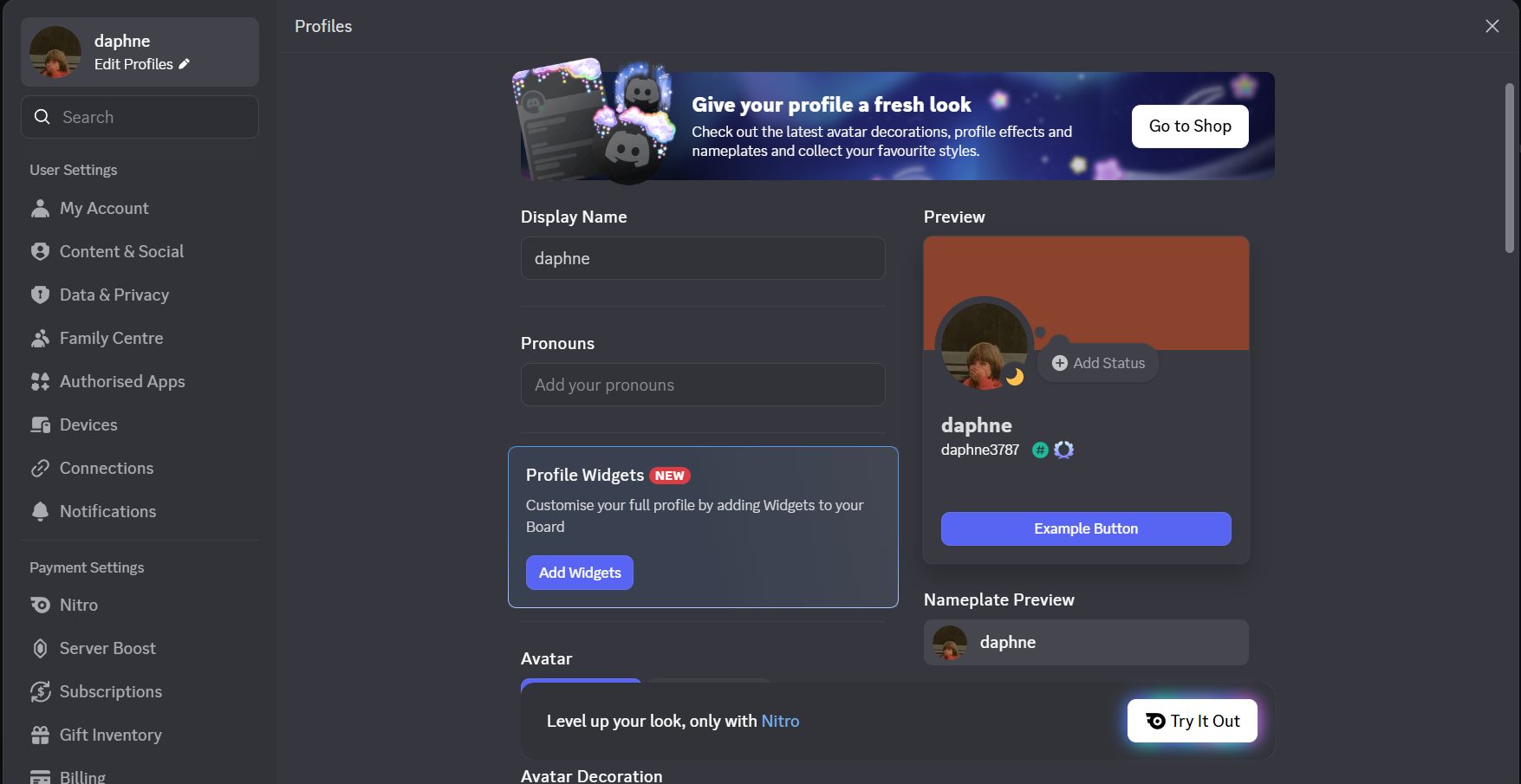
4. Set your nickname & profile picture
Section titled “4. Set your nickname & profile picture”- Use your real name or preferred name
- Add a clear profile picture
5. Add friends
Section titled “5. Add friends”- Make friends and share learn and grow together.